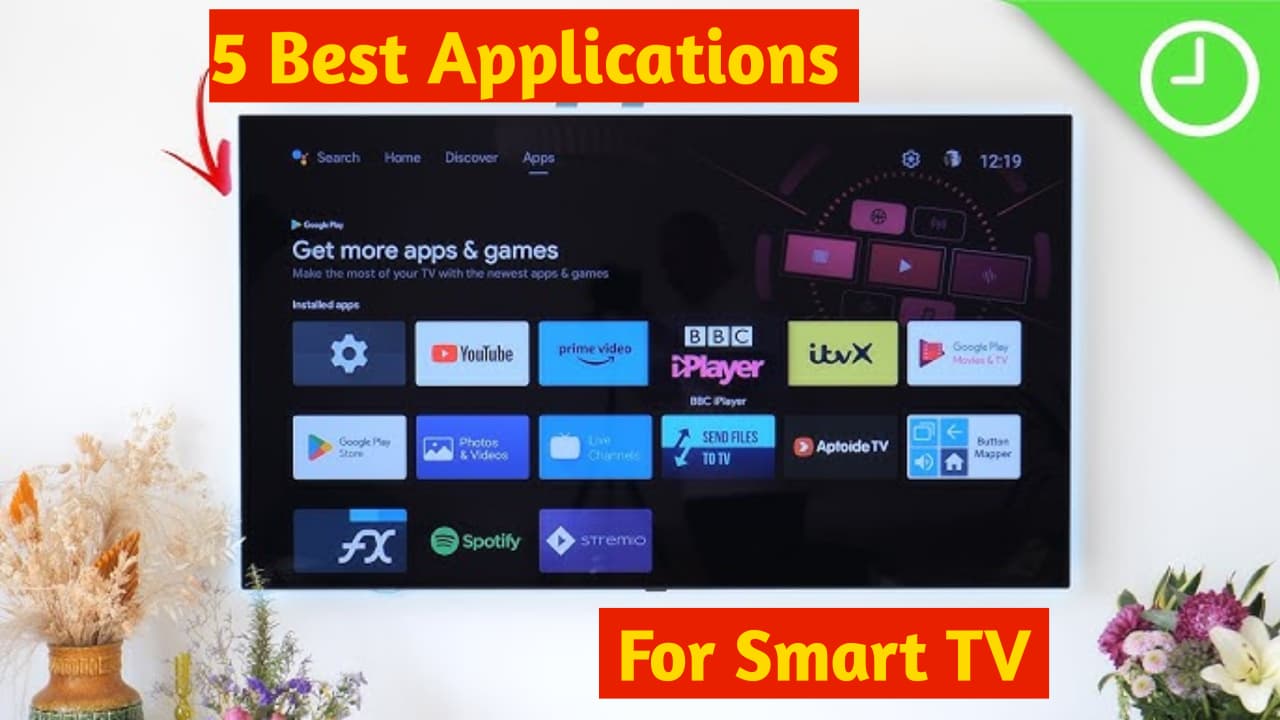
In This article i shared 5 Best Applications for Your Smart TV which you can install directely in your Smart TV and use them to make your Smart Tv more smarter.This 5 Applications are very useful and i also used this Applications personally on my smarttv.The Applications are as follows.
1)Cricfy TV
Cricfy TV app is a free live streaming app specifically designed for watching live cricket and other sports. By downloading it, you can watch live matches, T20s, league matches, IPL, and tournaments like the Cricket World Cup directly, without any subscription or sign-up.The app streams matches in HD/SD quality and provides real-time scores, commentary, and updates so you can stay informed about the match at all times.In addition, it also features over 600 live TV channels, including entertainment, news, and regional channels, in addition to sports channels.Cricfy TV has a simple and user-friendly interface, allowing you to quickly access your favorite matches or channels.This app works on Android devices and sometimes requires downloading the APK for installation, as it is not available on the official Play Store.Overall, Cricfy TV is a convenient, free, and comprehensive live sports app, but be aware that its streaming rights (licenses) are not always official, so you should verify their legitimacy.
2)Smart Tube
SmartTube is an open-source, unofficial YouTube client app specifically designed for Android TV, Fire TV, and TV boxes. It primarily offers an alternative way to watch YouTube videos on a large screen, without the ads that typically appear between videos, and with smoother, uninterrupted playback.This app includes a SponsorBlock feature that can automatically skip sponsored segments, intros, and outros marked by other users, allowing you to jump straight to the main content.You can also enjoy high-quality video playback up to 4K resolution, remote control support, background playback, and other useful settings.Please note that this app is not available on the Google Play Store and must be downloaded as an APK file and installed manually.New versions are released periodically due to security or update issues, so it’s important to download from a reliable source.
3)Air Console
AirConsole is a virtual gaming platform that transforms your smartphone into a game controller. Through this app, you can play games on your laptop, smart TV, or computer via a web browser, using your mobile phone as the controller. AirConsole offers a variety of games, including racing, puzzle, action, and multiplayer games that you can enjoy with friends and family on a single screen.Its interface is very simple and user-friendly. You just need to install the AirConsole app on your device, and then your phone connects to the game screen using a unique code. Most games are free, but some premium games require a subscription.AirConsole is a fun and convenient solution, especially for parties, travel, or playing with friends at home. Its main advantage is that you don’t need to buy separate controllers; all players use their own phones.
4)ATV Tools
ATV Tools is a utility app that helps you control your Android TV/Google TV device from your smartphone. With this app, you can install, uninstall, enable/disable apps on your TV, and easily manage files using the file manager. You can send photos, videos, or other files from your smartphone to your TV and also take screenshots. Additionally, it features a remote control and mouse mode for easy TV navigation. You can copy and paste text and even run Shell commands, which is very useful for technical users. It’s also possible to clear the cache of all apps with a single button, reboot/power off the TV, and view CPU, RAM, network, and storage usage. Note that USB/Network Debugging must be enabled on your Android TV device to use this app. This is especially useful for those who want to control their Android TV more effectively.
5)Local Send
LocalSend is a free and secure file-sharing app that allows you to transfer files directly between your devices (such as mobile phones, laptops, and computers) without the internet. This means you can share photos, videos, documents, folders, or text without using the internet, cloud storage, or any intermediary server.It is open-source, meaning its source code is publicly available and anyone can view or improve it. It has no ads, no tracking, and no sign-in/login required. LocalSend works when two or more devices are connected to the same local network (Wi-Fi or hotspot). The app automatically detects other devices on the network, and you can easily select and send files. The biggest advantage is that file transfers are end-to-end encrypted (highly secure), and the file data does not leave your network, thus protecting your privacy. It is available on Windows, macOS, Linux, Android, and iOS platforms, making it very easy to share files from any device to any other device. If you frequently need to share large files without the internet, LocalSend is a simple, fast, and reliable option.
This all 5 applications is very useful for your smarttv and this apps will provide you a best TV experience and help you in your daily TV use.So to install this applications in your Smart Tv just click on the links given below and install the applications and use it for free.